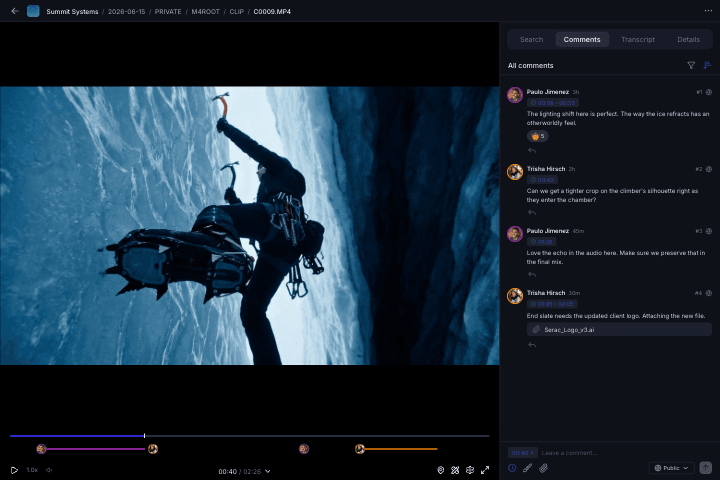
Instant Access
Your entire media library streaming like it’s right next to you.
Mount your projects like a local drive and start editing in seconds. Aspect only streams the bytes your editor needs. No more waiting for full file downloads or shipping hard drives.
 7.2 GB16.4 GB4.8 GB11.6 GB3.1 GB
Mojave Team
Mount your project
Your projects show up as a drive on your computer, just like any SSD or NAS. Open files in any app you already use without changing your workflow.
Stream, don't download
Aspect only streams the bytes your editor needs. Scrub through 100GB timelines instantly while our prefetching algorithm stays ahead of your cursor.
Collaborate across teams
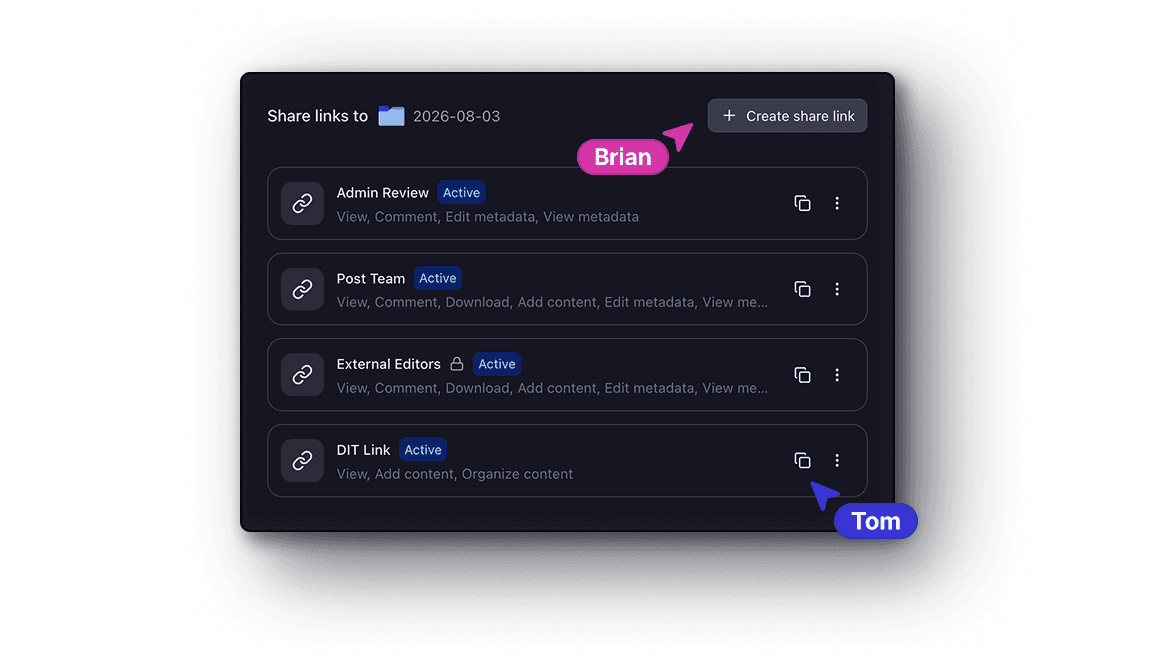
Flexible permissions mean team members mount full projects, guests only mount the folders shared with them, and everyone edits in their NLE.
Enter editing flow state
When your editor saves, your colorist sees the update. Every change, instantly and everywhere.
Aspect feels like your whole team is working from the same hard drive. Changes sync the moment you save and even 6K video streams instantly, so it doesn't matter if everyone is in the studio or spread across the globe.
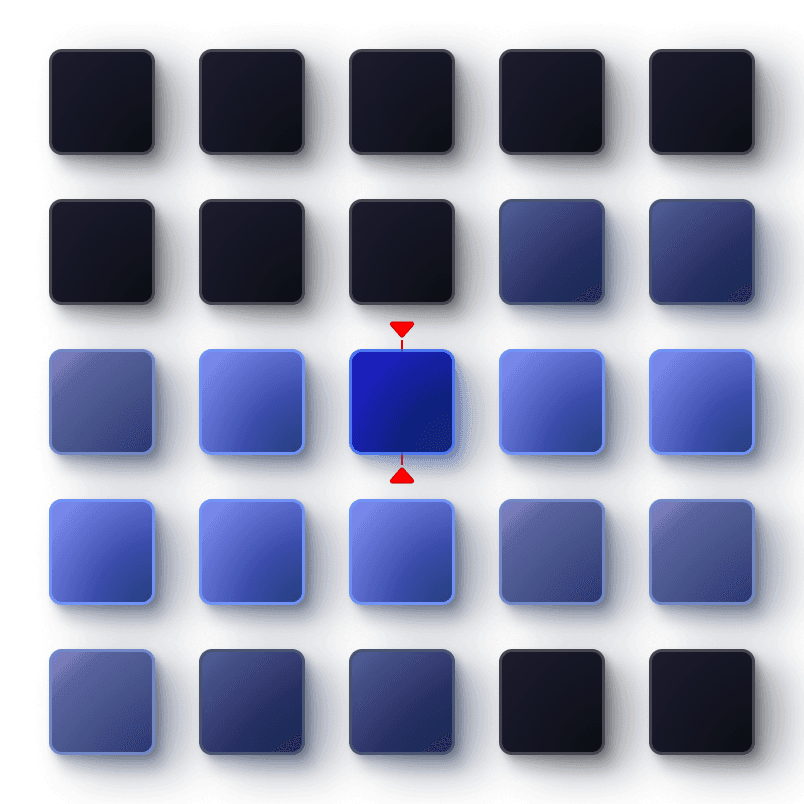
Intelligent streaming
Aspect predicts which bytes you'll need next and prefetches them from the cloud before you or your NLE asks.
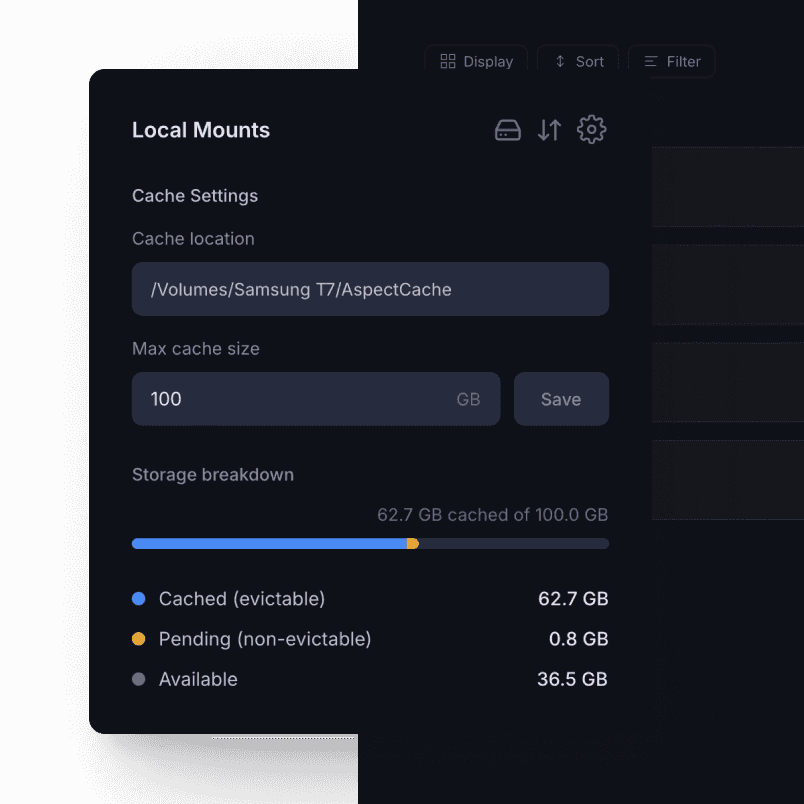
Tiered caching
Frequently accessed bytes are stored locally. Configure cache size and location to fit your workflow.
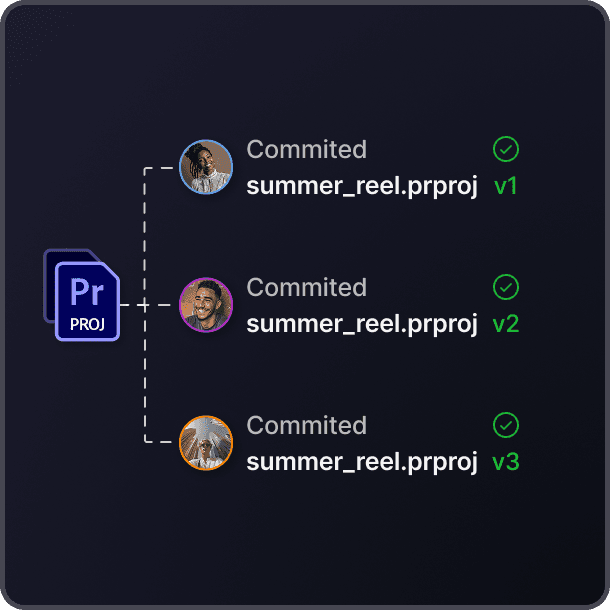
Transactional writes
Every write is fully committed or not at all. When you see a file, it's ready to edit — every single time.
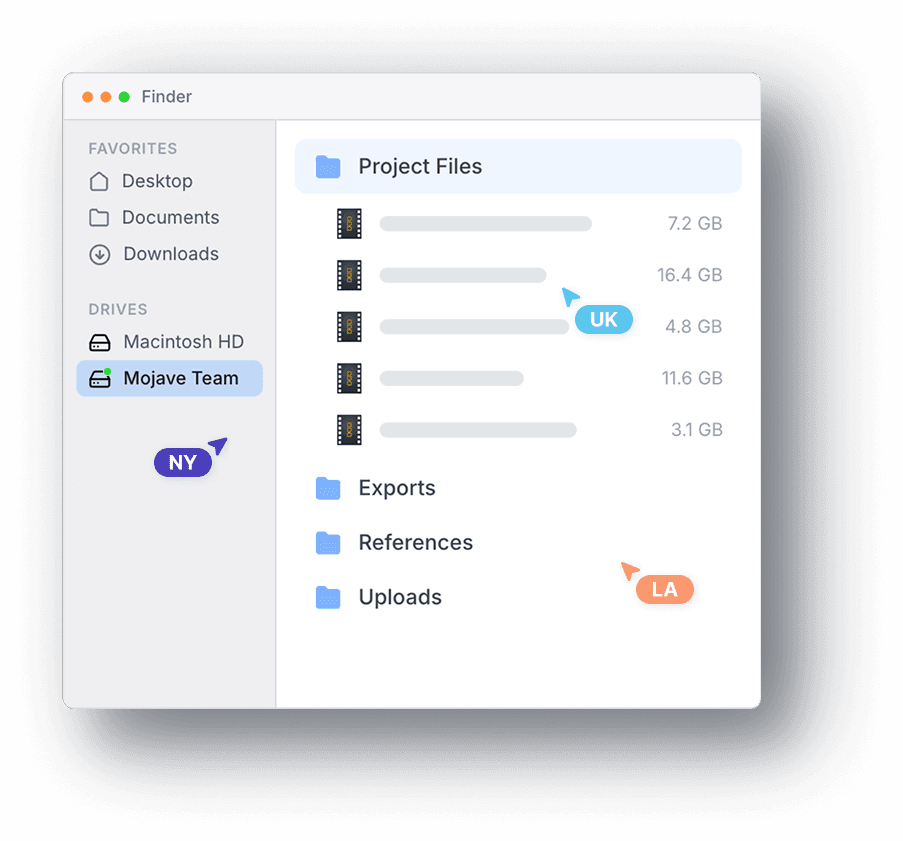
Global distribution
We handle distributing files in regions worldwide so every editor pulls changes at full speed, no matter where they are.
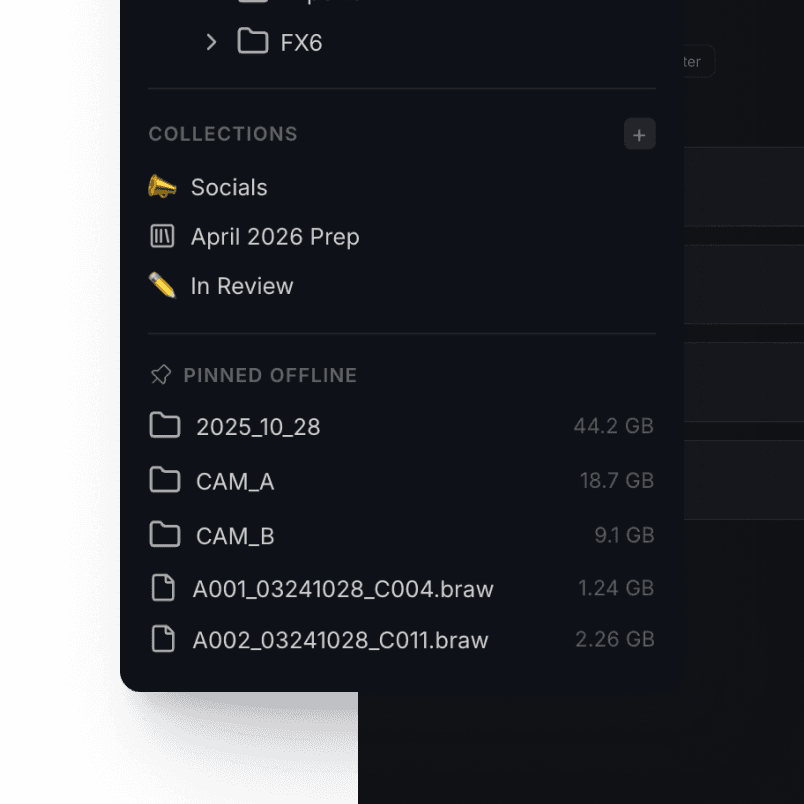
Offline pinning
Pin project files and videos for full offline access. Work on a plane, at a remote shoot, or anywhere else.
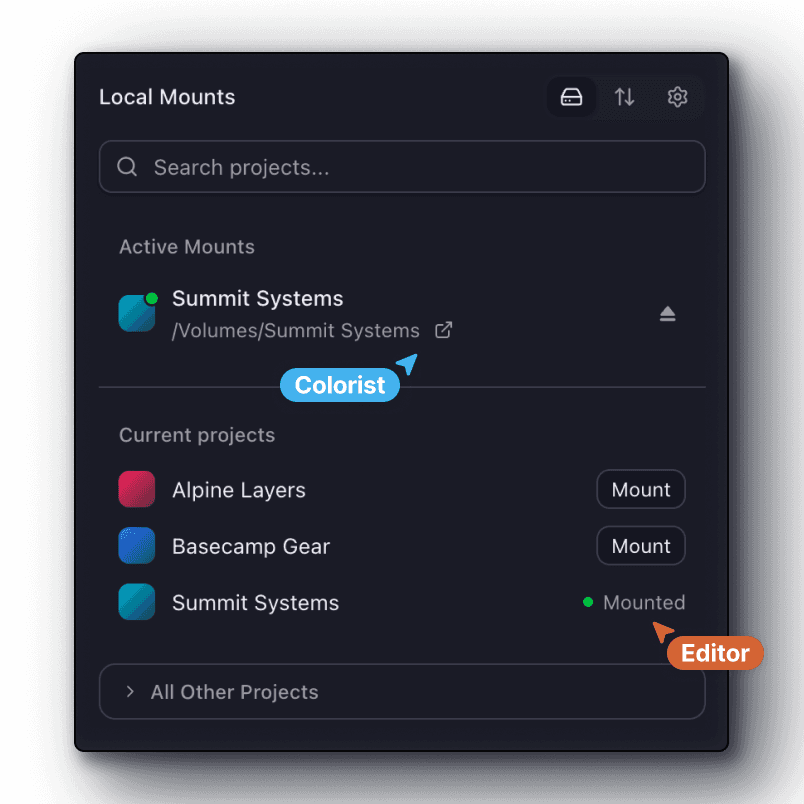
No extra setup
No plugins or IT configuration. Everyone can mount the same project and start editing like any other hard drive or NAS.

Endless compatibility
Just point your NLE at the Aspect drive. That's it. It works with everything.
No plugins, no special setup, or workflow changes. Every creative application works with Aspect out of the box.


Battle tested
Flexible enough for creative chaos, durable for global enterprise demands.
We are committed to providing the utmost security and data reliability, with the flexibility to work with existing on-prem and S3 storage.
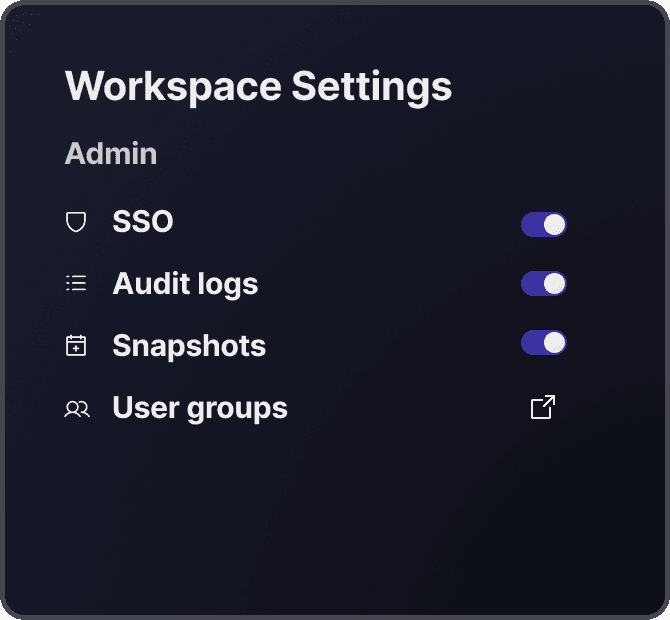
Organization Security
Your data is safe and recoverable with SSO/SAML, audit logging, snapshots with rollback, and multi-region replication.
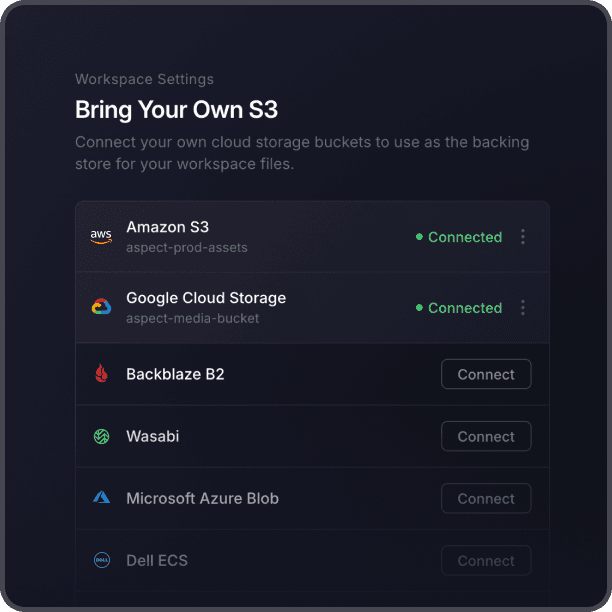
Bring Your Own S3
Connect your existing S3-compatible storage and Aspect layers streaming, AI search, and collaboration on top.
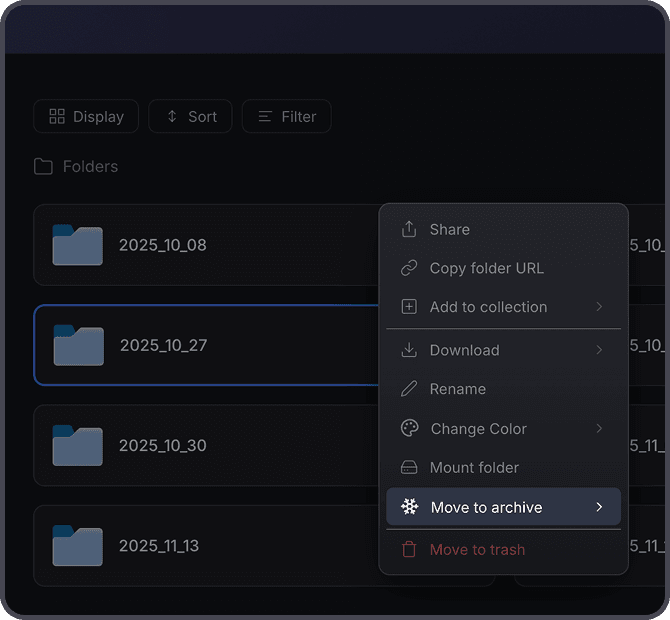
Intelligent Cold Storage
Archive assets and projects with one click for long term storage and preserve previews, metadata, and AI access.
On-site Shared cache
One person downloads, everyone else at the office streams at LAN speed.
Deploy an on-site cache node and to serve your entire office. Heavy timelines, RAW footage, huge project files — they all open instantly after the first person pulls them. No more passing SSDs around or individually pinning files.
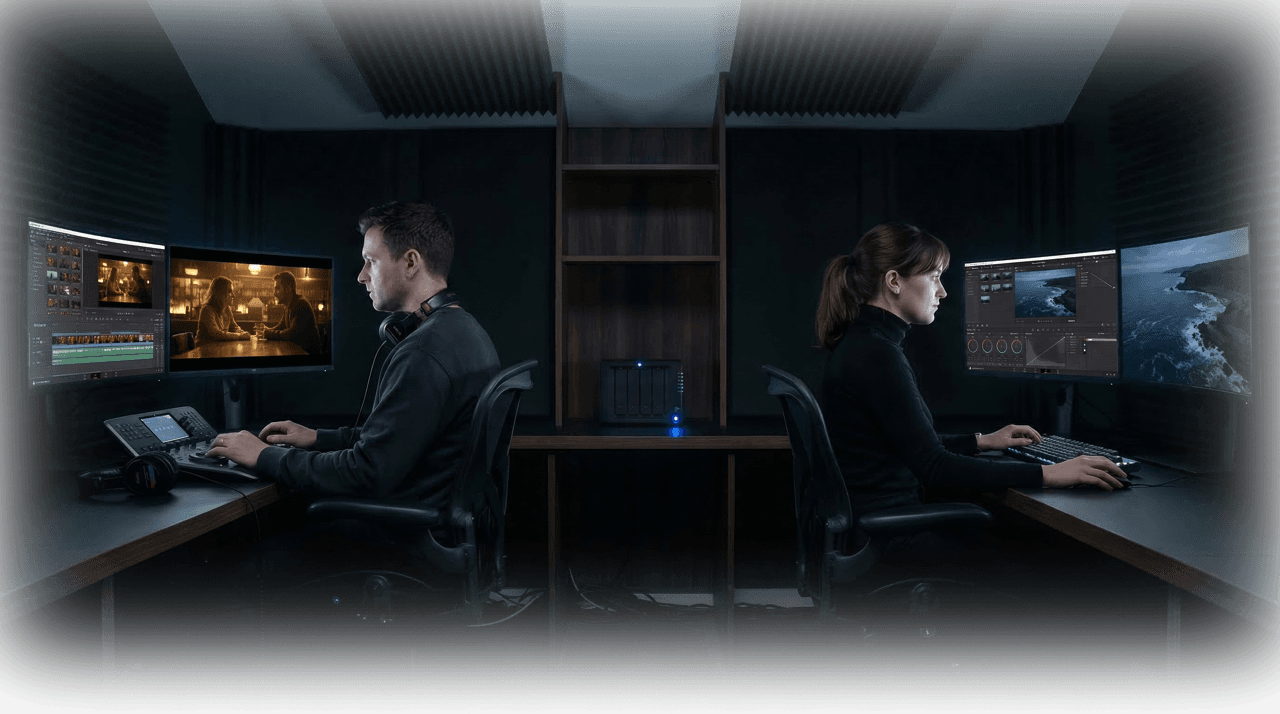
Cache once, keep streaming locally
The first person to open a file streams it from the cloud. After that, everyone on the same network reads it at full LAN speed without redundant downloads.
Works forever with one paste
Each user pastes in the cache's local address once. After that, Aspect routes through it automatically without repeat configuration.
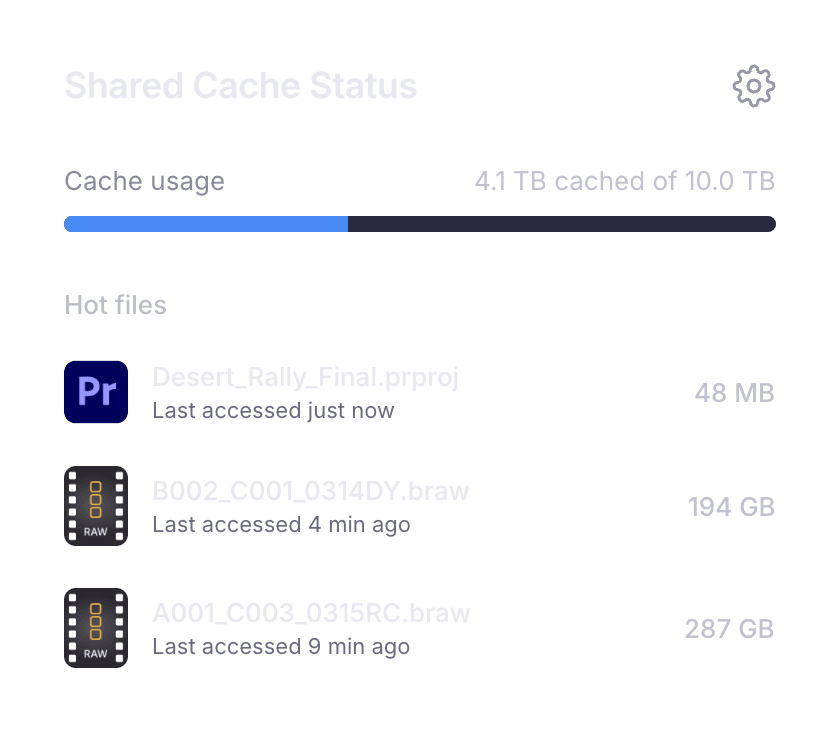
Smart eviction
Frequently accessed files stay warm. The cache automatically manages its own storage, keeping active project data ready and clearing stale bytes.
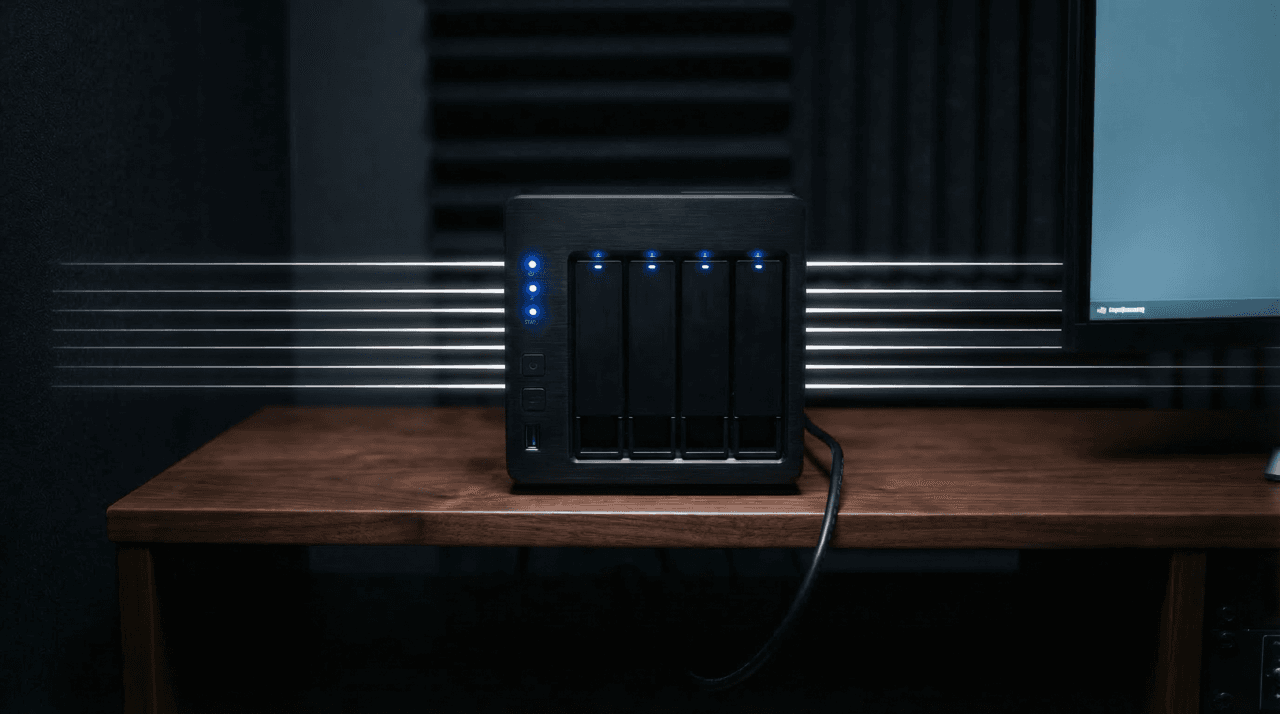
No bandwidth upgrades
A single second-tier cache node serves your entire facility. Even on limited upstream bandwidth, your team works at local network speed.
For the nerds
How it works under the hood — from mounting a project to streaming and syncing project files.
The virtual drive
Mount a project and it appears in Finder like any SSD. The files live in the cloud, but Aspect streams just the bytes your app needs, just like Youtube. The more you use a file, the more of it lives locally.
Atomic saves
When you save, only the changed bytes get uploaded. Either the full update lands or nothing changes. If your connection drops mid-upload, the previous version stays intact. No teammate will ever open a half-written file.
Local cache
Once you open a file, it’s cached locally so the next time you reach for it, it’s already there. Need guaranteed access? Pin files or folders to keep them available offline. When you’re back online, any changes sync up automatically.
Get started