
Review and Approve
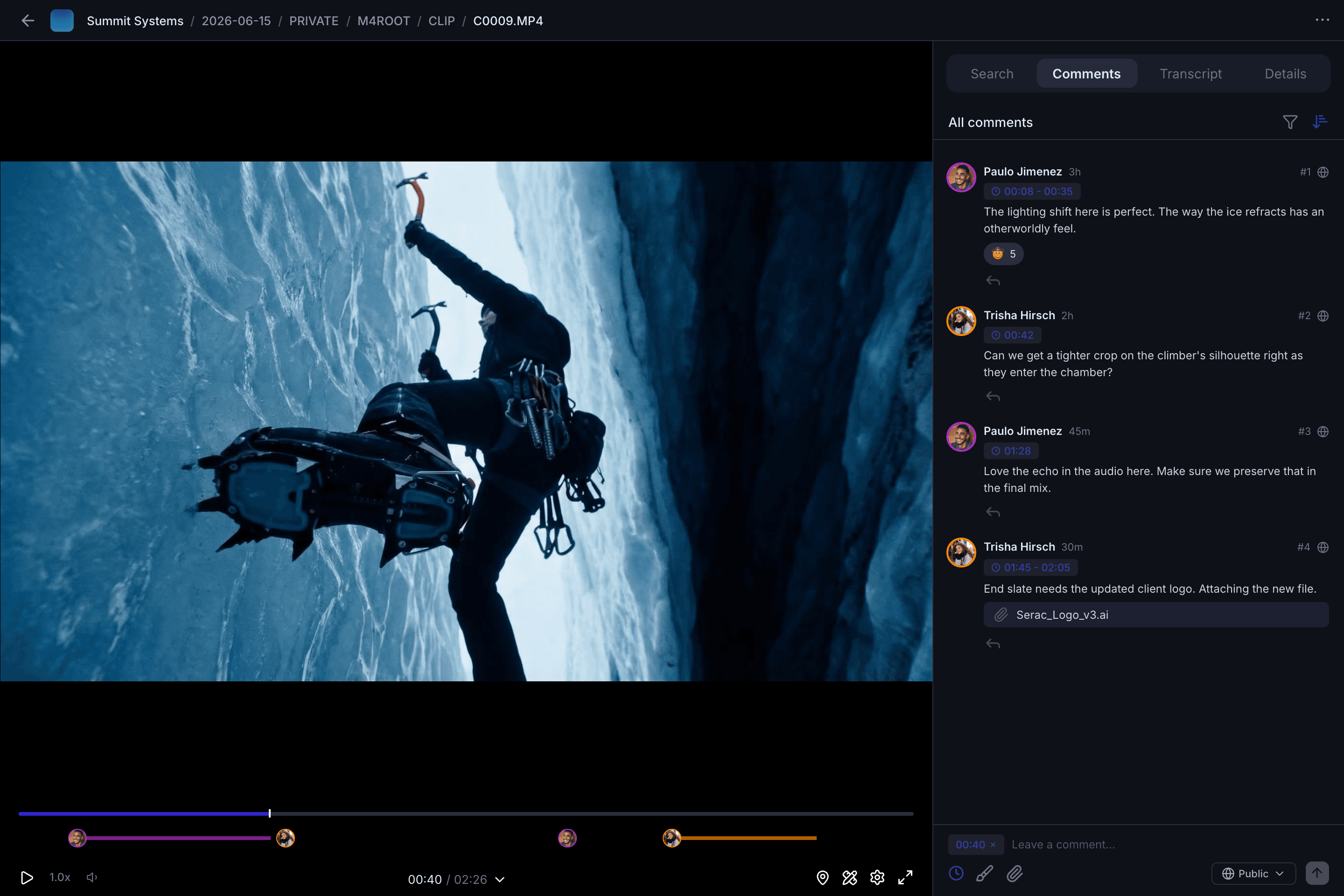
Feedback that lands exactly where it matters.
Spend less time stuck in review rounds and more time shipping. Notes land directly on the frame, and the right people get pinged in Slack and Premiere automatically.
Extra review goodies
Comments, markup, versions, and transcription — the whole feedback loop, handled.
We made sure you have access to all the review tools from tools you already love. No switching tabs or exporting to another review app.
Attachments, threads, and approvals
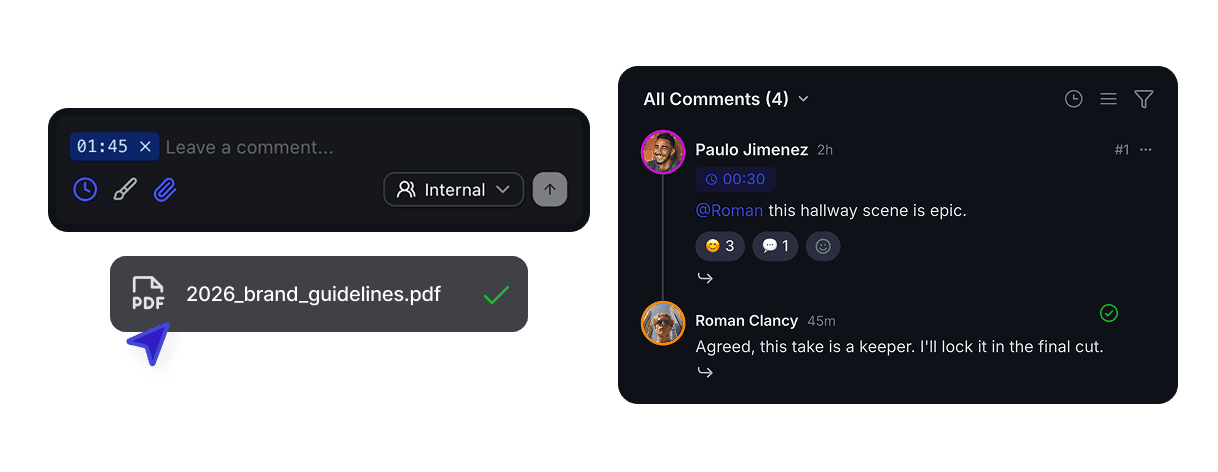
Attach reference files to any comment, reply in threads, react with emojis, and mark assets as approved with a single click.
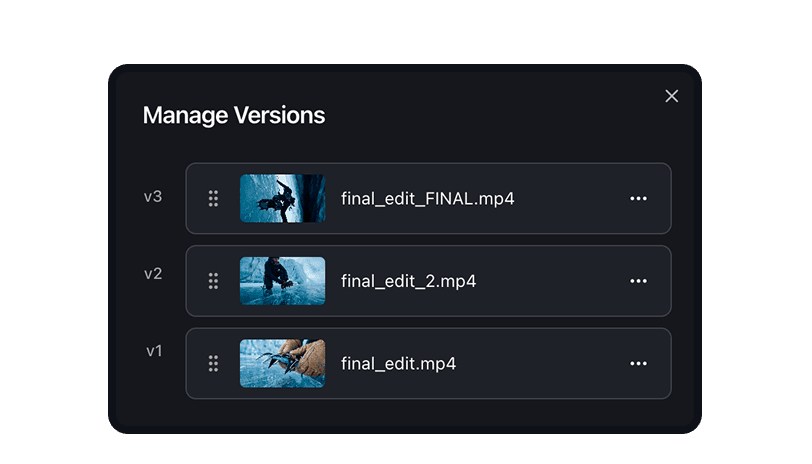
Version stacking
New versions stack automatically. Compare any two side by side in a dual player.
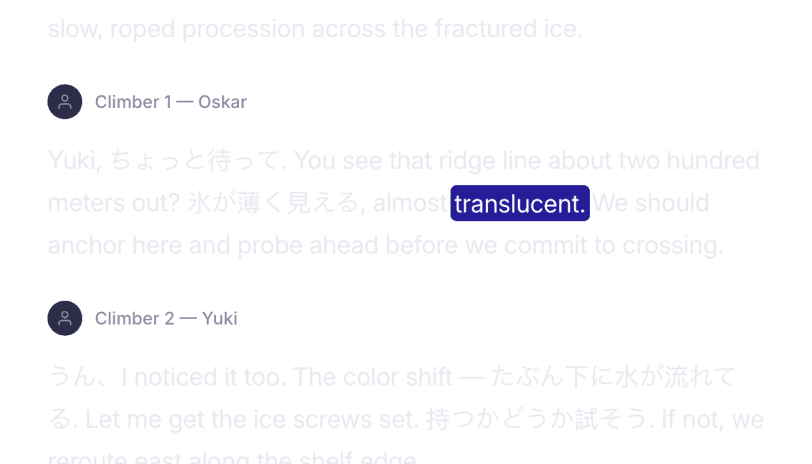
Auto transcription and search
Jump to exact moments and speakers across your entire workspace. 160+ languages supported.
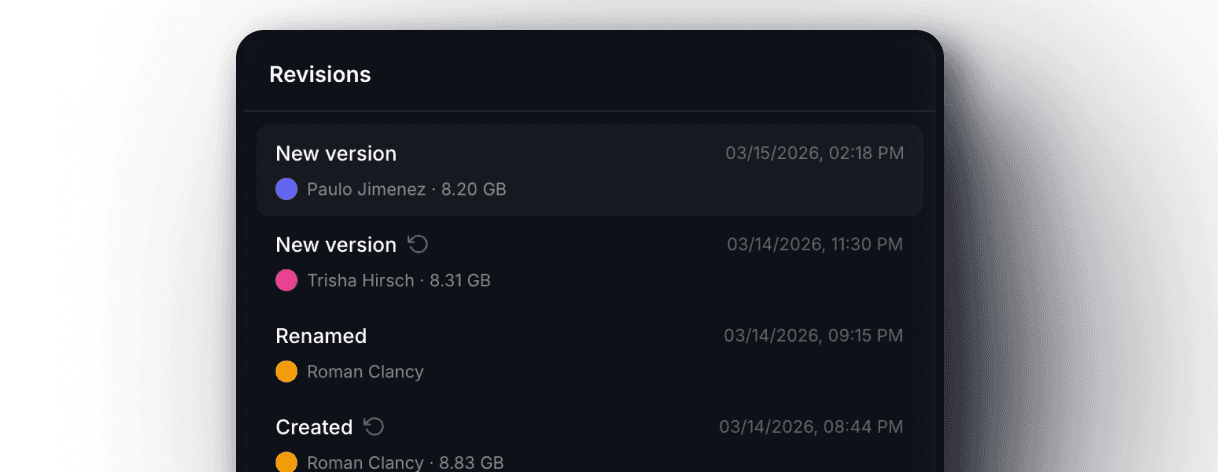
Change and revision history
See every rename, comment, version, and approval that ever touched a file on one timeline built for compliance and internal accountability.

Granular Permissions
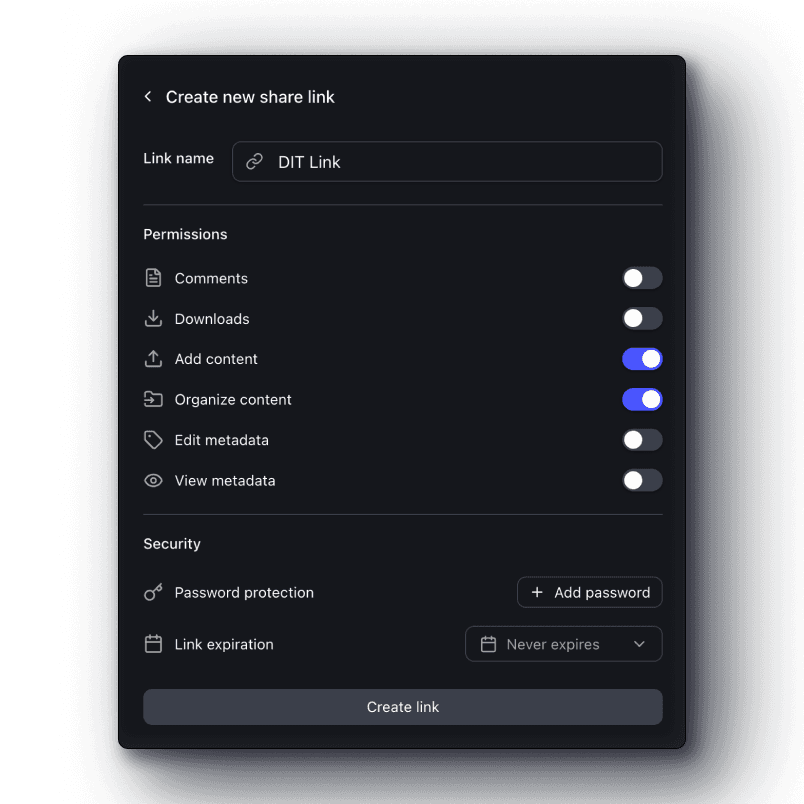
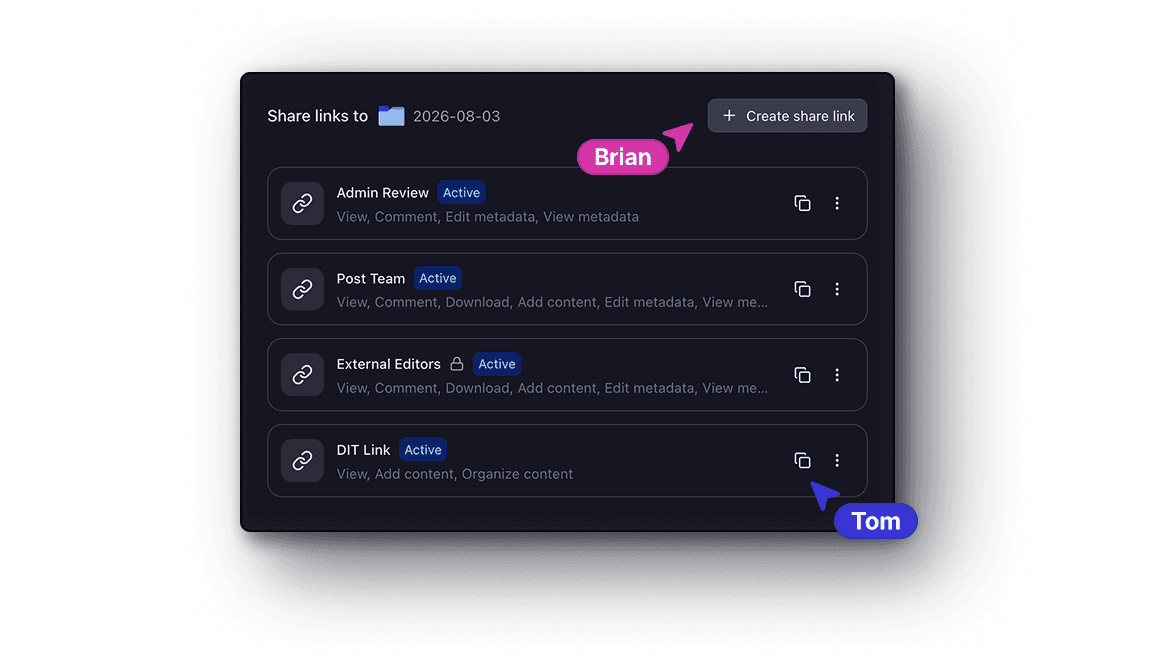
Control who sees what with high precision sharing down to the folder and file.
Share a rough cut with your director and a final with the client from the same project. Set permissions per share link, choose what they can do, and revoke access whenever you need to.
Custom metadata
Metadata fields that match how your team actually thinks.
Give every asset the context it needs, find anything in seconds, and let your team self-serve instead of asking you where assets are.
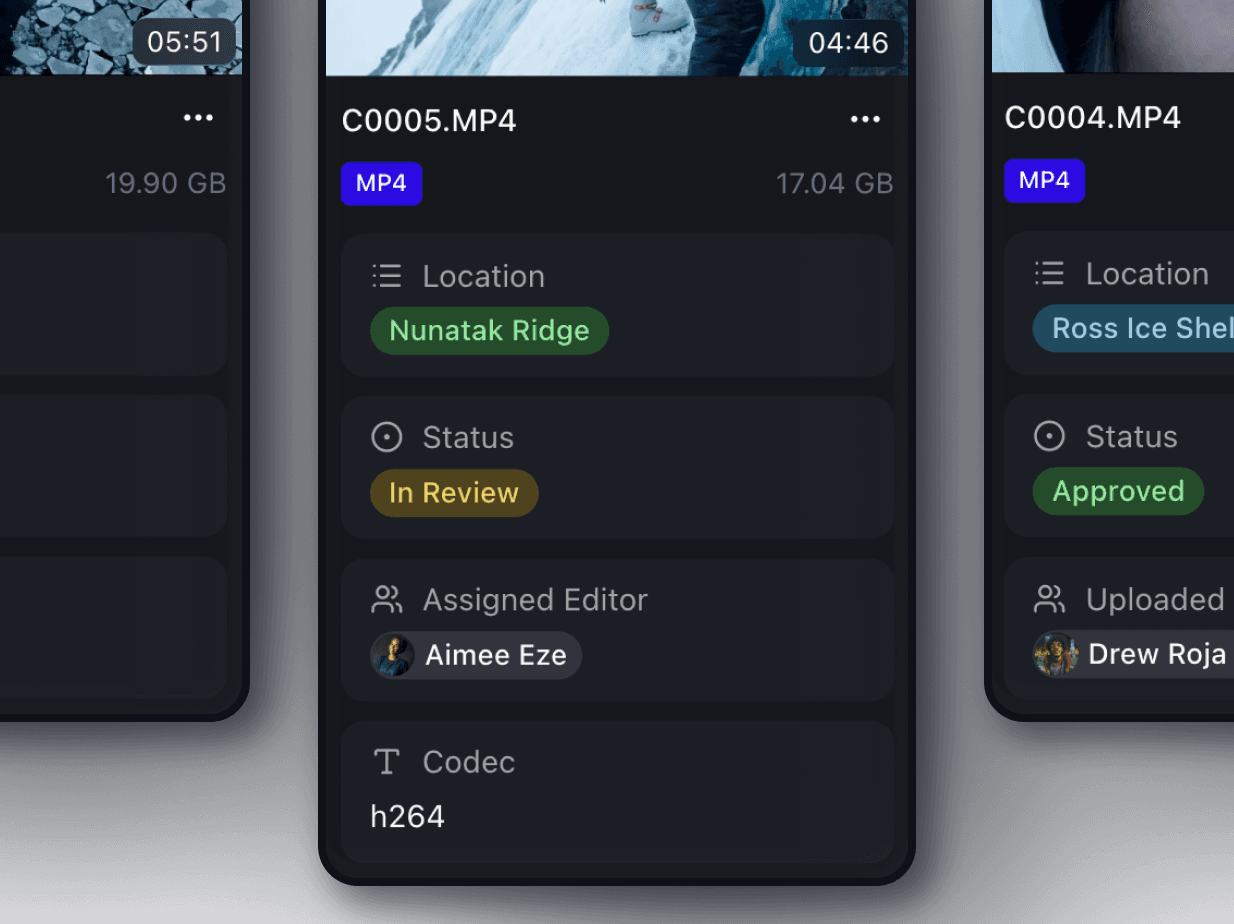
Custom field types
Build the schema that matches your workflow with text, multi selects, dates, people, and more.
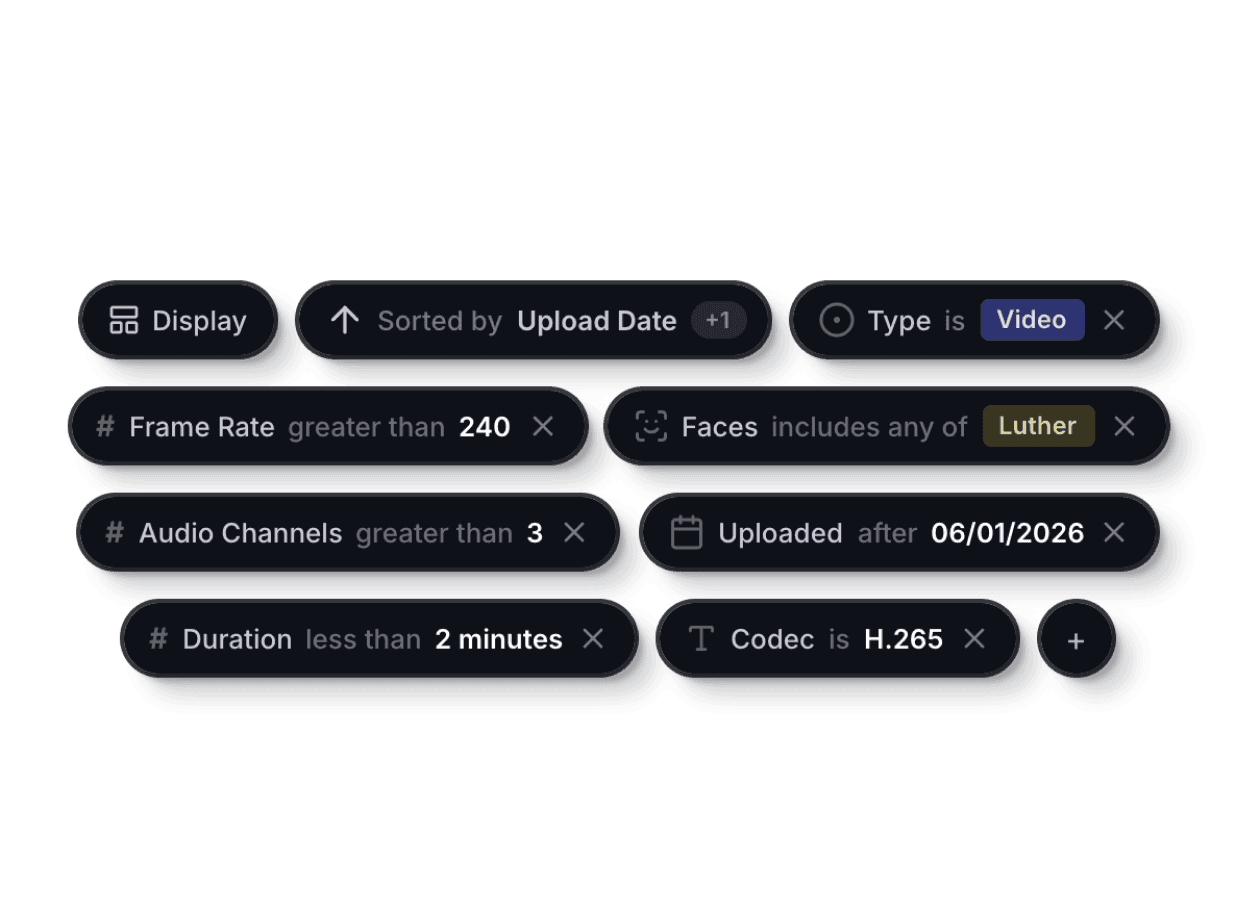
Filter and sort
Filter by any combination of metadata fields and stack multiple sorts to find what matters most.
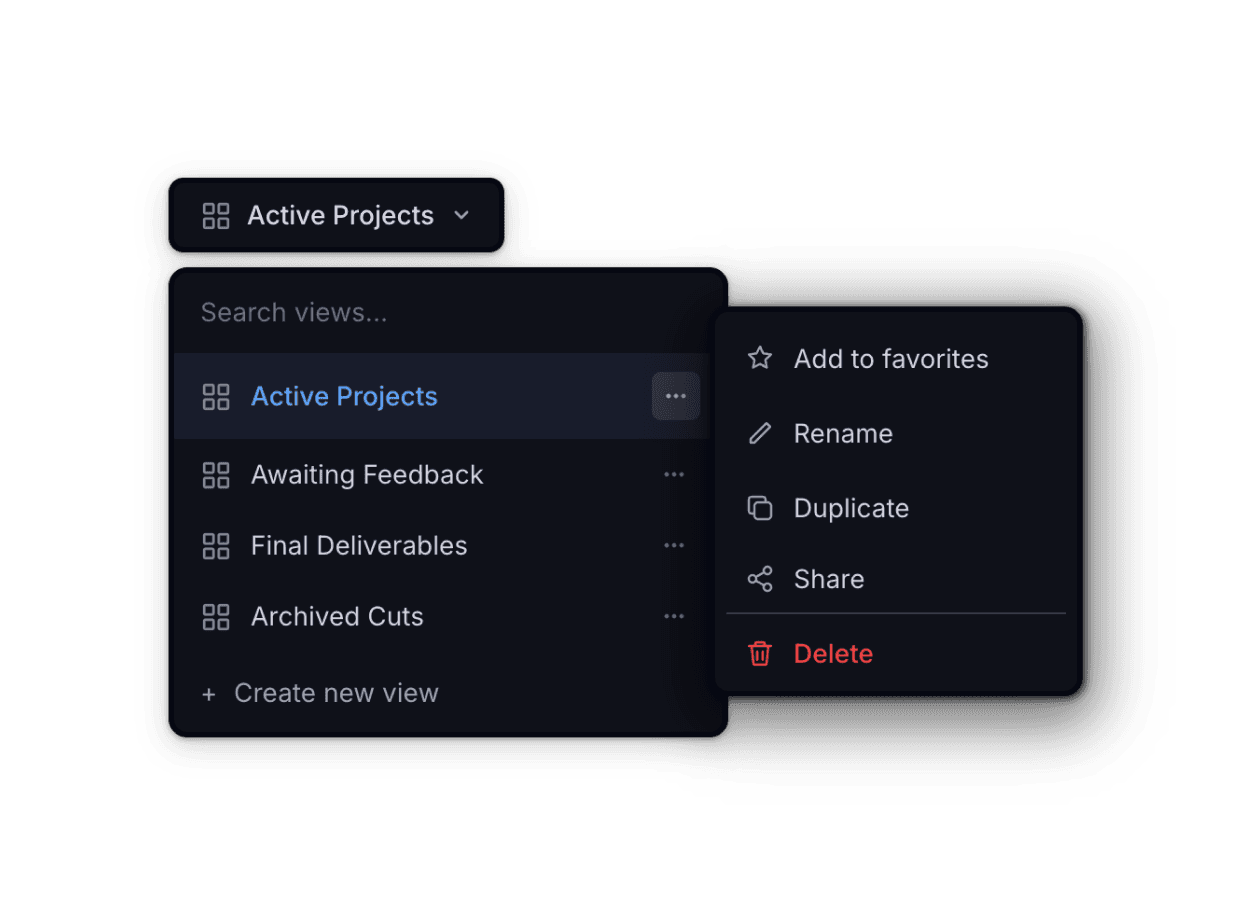
Saved shareable views
Save any filtered or sorted view as a shareable page to keep your team in sync.
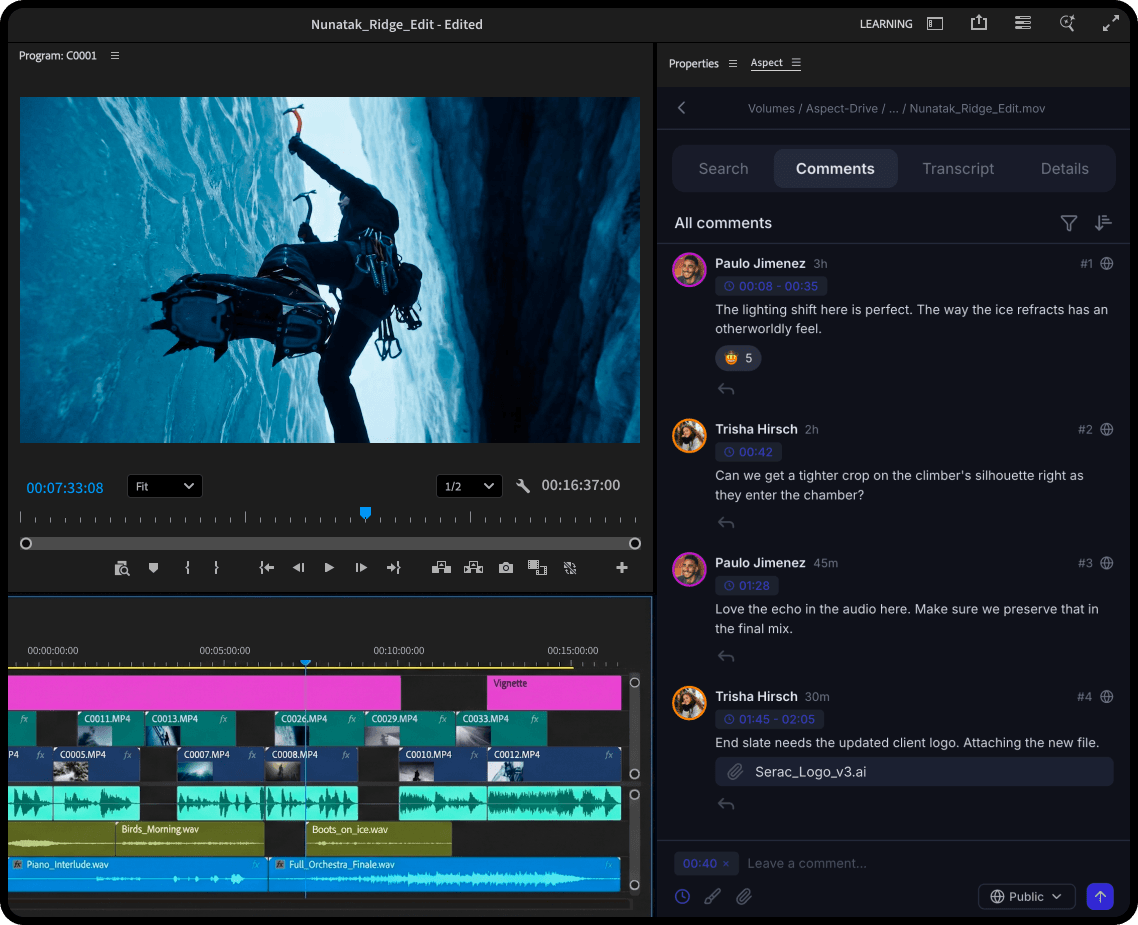
Premiere Pro Panel
Your entire library, inside your edit.
You shouldn't have to break flow state to find footage or deal with feedback. The Aspect panel puts your entire library, AI-powered search, client notes, and version uploads right inside Premiere.
Time is money
Features that save hours every week without changing how you already work.
The creative journey is better when your media shows up where you need it, when you need it.

Complex previews and proxies
Aspect supports hundreds of file formats and generates web playable previews and downloadable proxies for your team to use anywhere - yes even for R3D and BRAW formats.

Custom auto-generated tags

Notifications

Embeds
Get started


The fundamentals
Frame-accurate feedback pinned, marked up, and tied to the timeline.
Drop a comment on a frame, draw on it, and share a direct link to that exact moment. Whoever opens it lands right where you left the note.
Pinned comments
Drop a comment on any frame. It stays anchored to that exact timecode and position.
Range markers
Select a range on the timeline to give feedback across an entire segment of video.
On-screen markup
Draw and annotate directly on the frame to highlight exactly what needs to change.