The Problem
- The moment a campaign is ready to launch, nobody is fully confident they are looking at the right version. Creative reviews happen in one tool. Brand feedback shows up in email. Legal requests a separate export. Regional teams copy files to local folders. The agency sends its own link. Someone spends the final days before launch piecing together feedback instead of shipping.
- Simple questions get hard to answer. Which version is current? Which edits are still open? Which markets are cleared to use this asset? When files are copied across drives, review tools, and project folders, the answers live in someone's inbox, not in the system.
- Approved assets get recreated instead of reused. Consumer marketing teams produce thousands of assets across product launches, seasonal pushes, retail programs, and regional adaptations. Without structured metadata, nobody can reliably find what already exists. Teams end up paying to produce work they already have.
What Aspect Does for Consumer Marketing
Aspect makes previously approved work findable in seconds, keeps every stakeholder in the same review thread, and turns the approved set into the distribution package.- AI-powered search and automated metadata make previously approved assets retrievable in seconds across every product line, region, and campaign
- Custom metadata reflects how the team actually thinks: by SKU, channel, rights window, and market, rather than by folder structure
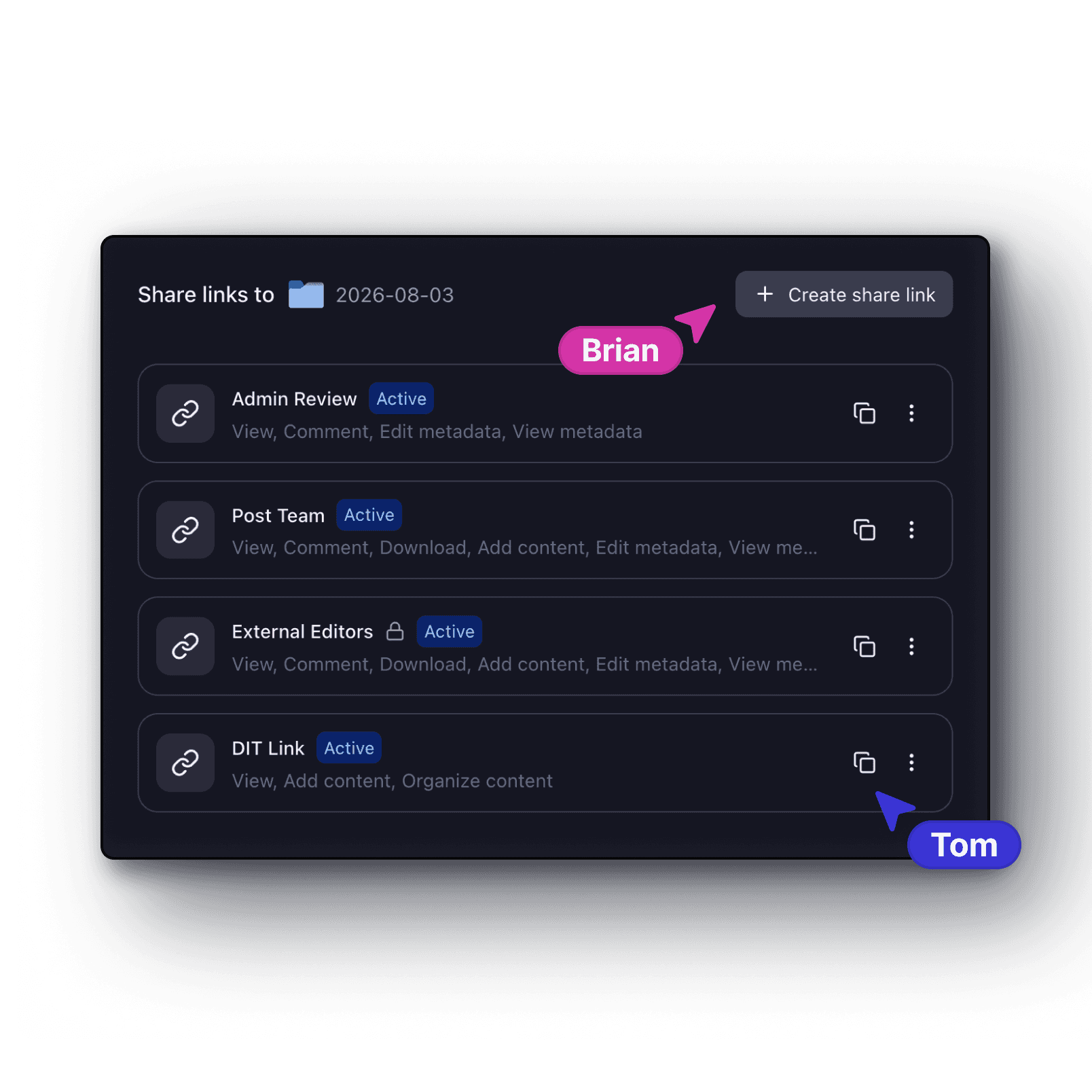
- Every stakeholder reviews against the same asset history, so the approval trail is clean before the campaign goes out the door
The Solution
Automated Tagging
Consumer marketing teams produce assets faster than anyone can label them. A single product launch generates dozens of variants across different channels, regions, sizes, and rights windows that are visually similar but legally and operationally distinct. A seasonal push multiplies that. A full portfolio multiplies it again. When the campaign wraps, the library has grown by hundreds of assets that nobody had time to tag consistently. When tagging is manual, it depends on the one producer who knows the naming convention. When that person is busy, assets arrive without labels, get filed wherever makes sense in the moment, and become unfindable within weeks. The team has no idea what it owns, so it pays to recreate work it already has. Automated tagging applies labels at ingest: product line, SKU, campaign, channel, region, approval state. Nobody does it by hand. Every asset that enters the library leaves with the metadata it needs to be found, routed, and reported on. The library stays organized as volume grows, not just at the start of the year when everyone has time to be careful.AI Search
Tagging creates the structure. AI search makes it usable under pressure. When a producer needs the approved 16x9 cut for the European retail launch of a specific SKU from last quarter, they should not need to know the exact filename, the folder it was filed in, or which contractor uploaded it. They describe what they are looking for in plain language and get the right asset in seconds. AI search lets producers, ops leads, and regional teams search by describing the asset (product, channel, market, campaign context, or visual content) rather than navigating a folder hierarchy. The compounding value over a full product portfolio and a full calendar year is real. Every asset found and reused instead of recreated saves production budget. Every campaign that launches with correctly approved regional variants instead of recycled global assets reduces legal and compliance risk. Better retrieval changes the economics of how the team operates.Review and Approval
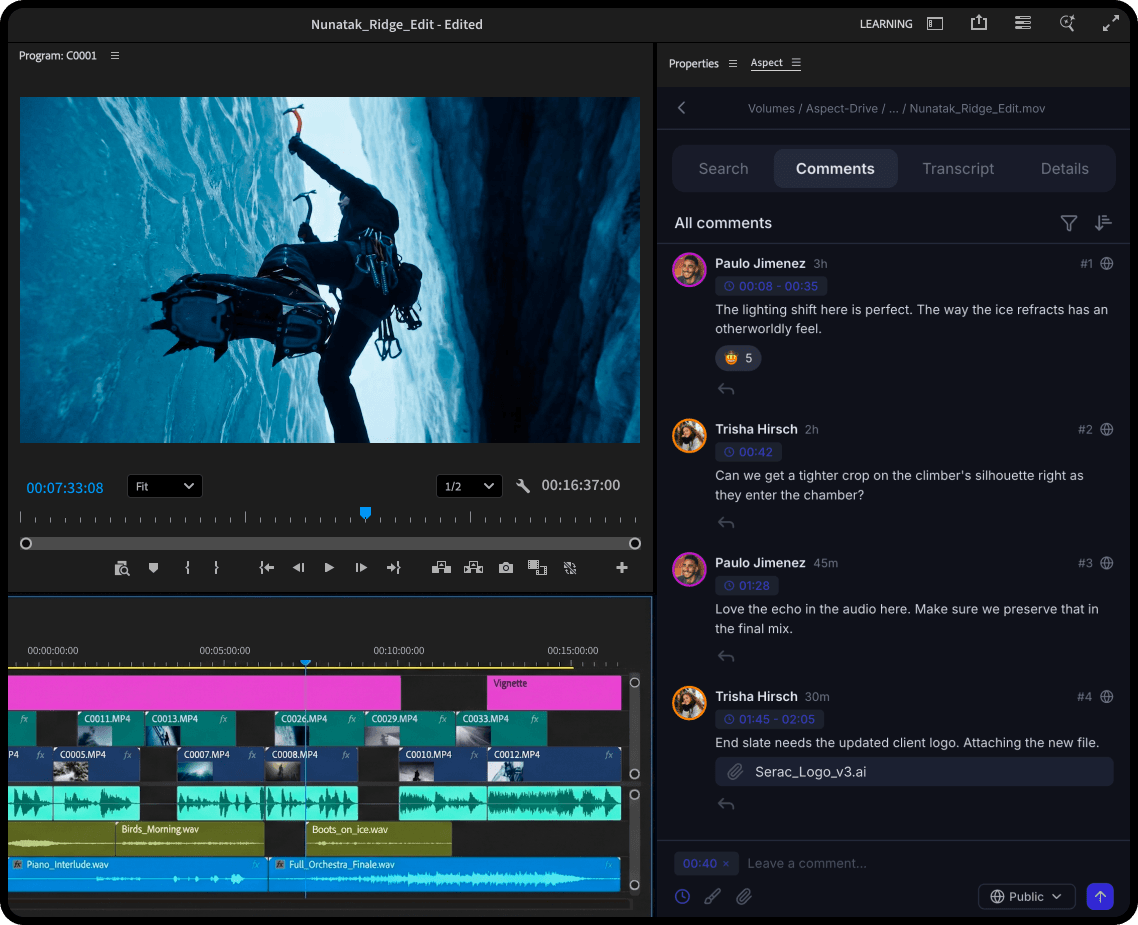
Campaign reviews get expensive when creative, brand, legal, regional, and executive stakeholders each work through a different channel. Once all the feedback arrives through five different channels, the manager has to reconstruct the full picture before a single revision can start. Frame-accurate comments and annotation tools keep every reviewer on the same asset history. Legal's notes land on the frame they belong to. The regional team's changes are visible in context. The creative director's approval is attached to the version it was given for. The approval trail is clean before the assets ever leave the system.What a Workflow with Aspect Unlocks
| The Bottleneck | How Aspect Solves It | What Your Team Gains |
|---|---|---|
| Teams recreate assets that already exist because finding the right variant requires knowing exactly where it was filed | Automated tagging at ingest and AI-powered search surface the right asset in seconds | Production budget stops going toward assets that already exist |
| Assets are organized by folder logic that does not reflect how the team thinks about campaigns, SKUs, or markets | Metadata fields mirror the way the business actually operates: campaign, SKU, channel, region, approval state | The asset library becomes a working tool instead of a storage problem, and anyone can find what they need |
| Feedback from creative, brand, legal, regional, and agency teams arrives through different channels | Frame-accurate comments and version stacking keep every stakeholder on the same asset history | The approval trail is clean before the campaign ships |
Does Aspect Fit Your Consumer Marketing Team?
There are a few signs that Aspect might be right for your marketing team:- Your team produces assets across multiple SKUs, regions, or channels and regularly recreates work that already exists because finding it takes longer than making it again
- Stakeholders across brand, legal, regional, and agency teams review the same campaign through different channels, and someone spends the days before every launch piecing together all the feedback
- Your asset library is organized by folder logic that made sense at the start of the year but falls apart as the campaign calendar grows